
🧩
Attach content anywhere
A ContentArea is a generic container of sections you bolt onto any entity — Page, Product, Category. Your model, your routes, your templates. ContentBlocks never owns the URL.
Build content areas from sections, columns and blocks — in-context, with live preview. Framework-native, extensible, no CMS lock-in.

The editor works on your real page. A block's form sits in the sidebar, the page's preview beside it, and nothing reaches visitors before Publish.
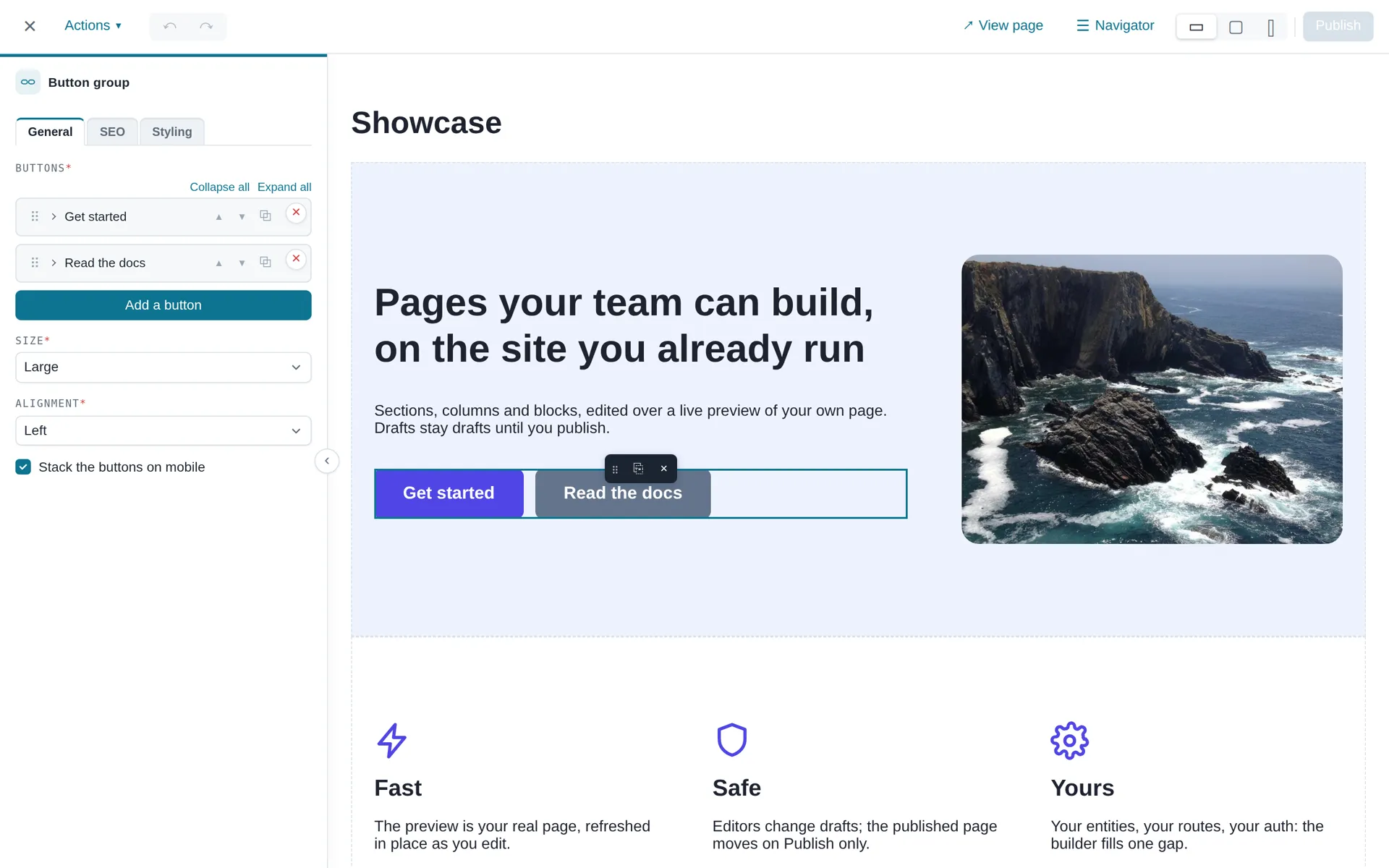
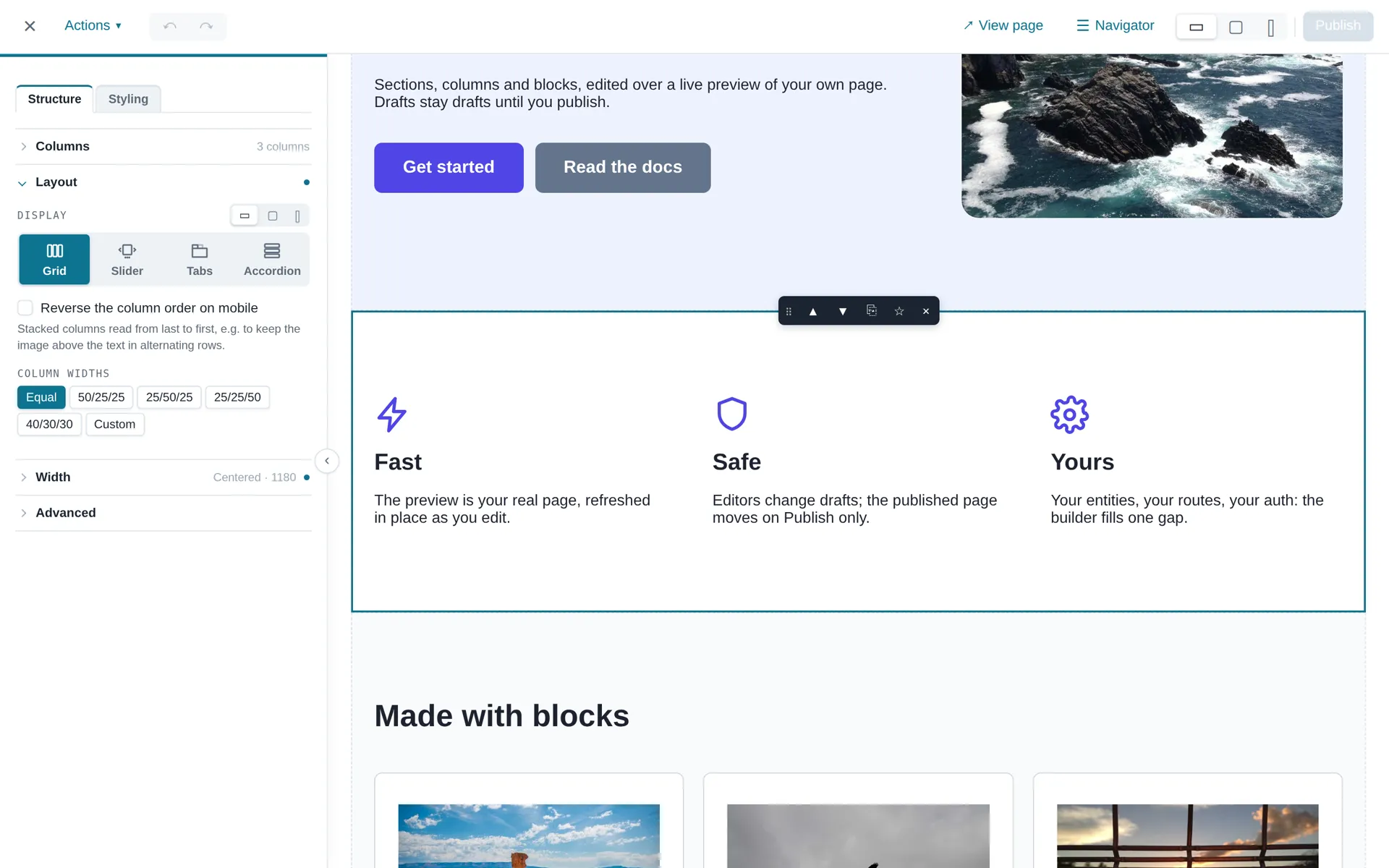
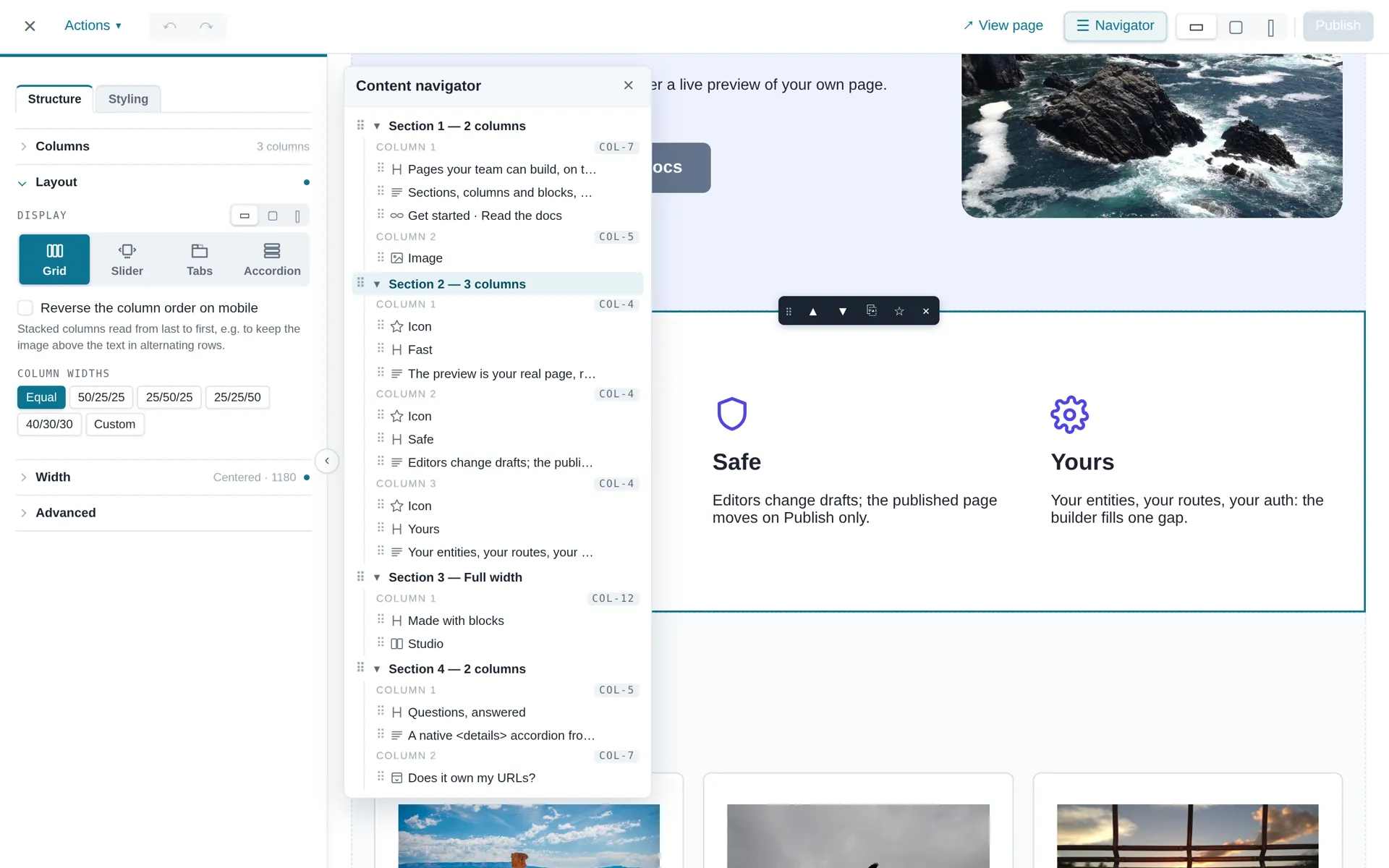
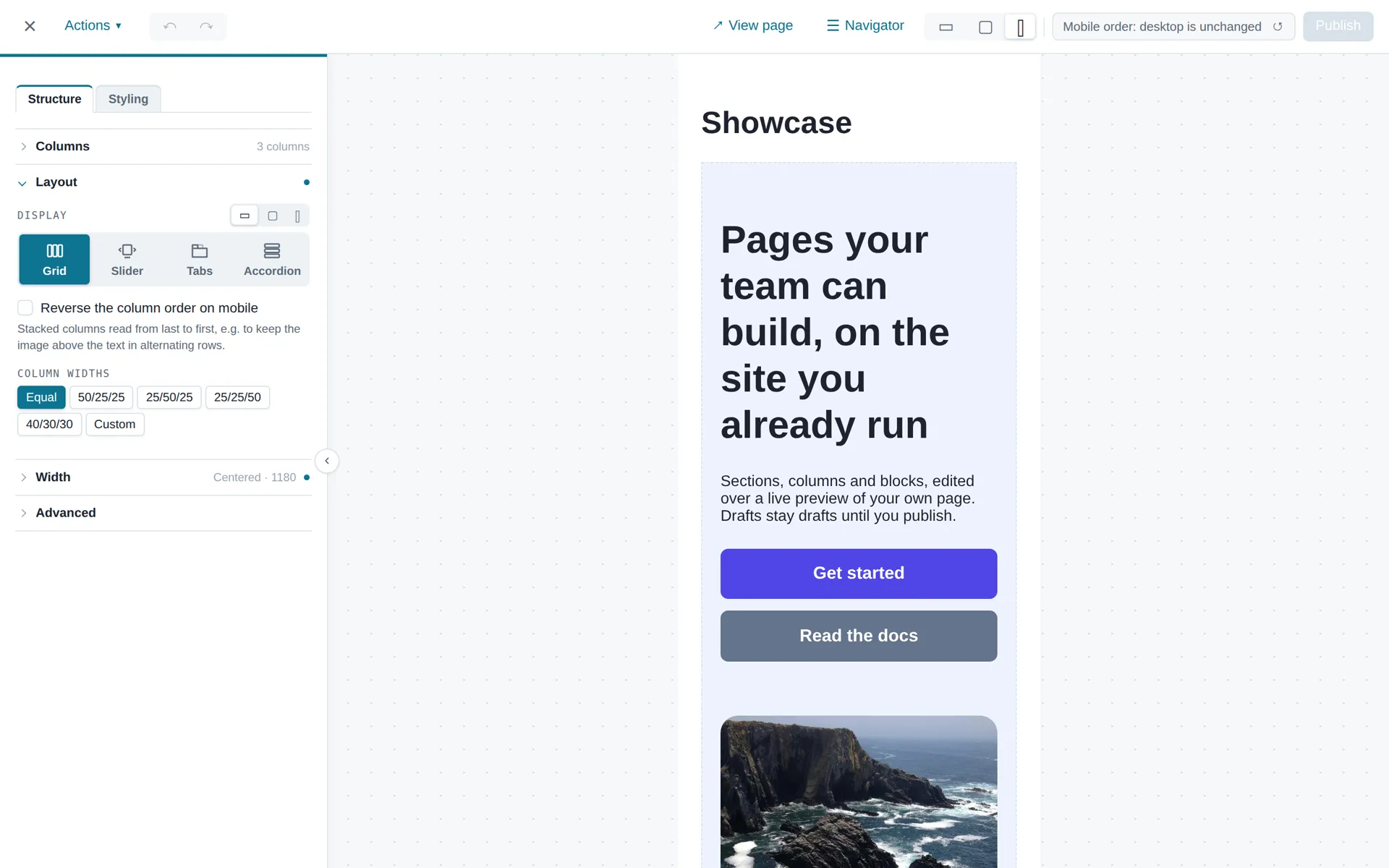
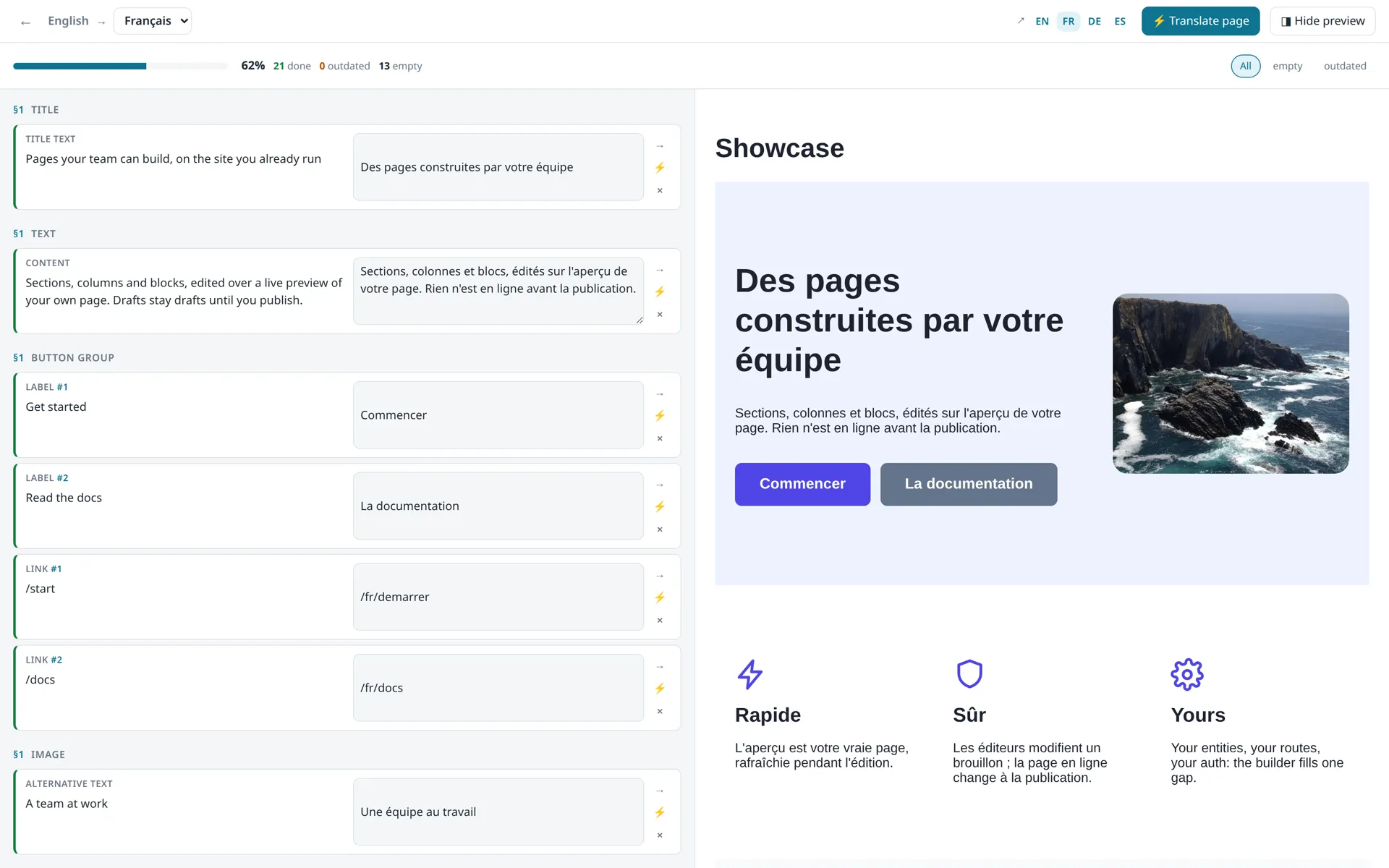
Each thumbnail is the block as your visitors get it, styled by the kit's stylesheet alone. Retheme it with seven CSS custom properties.
 Title
Title title Text
Text text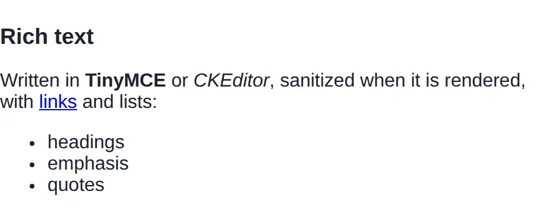 Rich text
 rich_text Image
Image image Gallery
 gallery Button
 button Button group
 button_group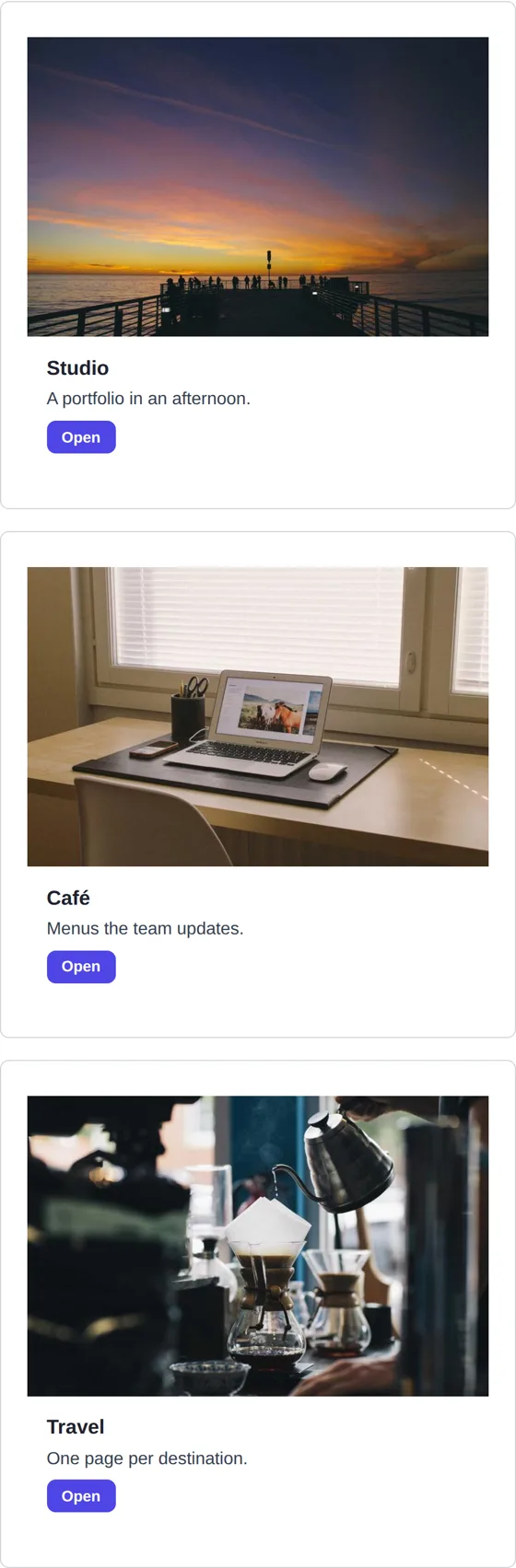 Cards
Cards card List
List list Icon
Icon icon Alert
Alert alert Divider
 divider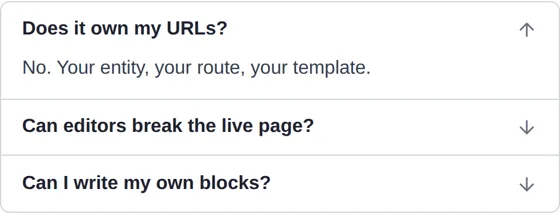 Accordion
 accordion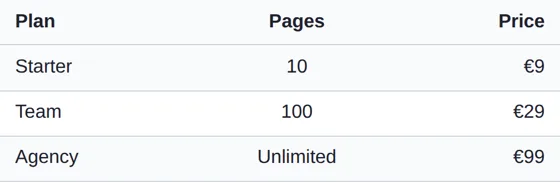 Table
Table table Video embed
 embed Video
Video video Breadcrumb
 breadcrumb Raw HTML
 html_raw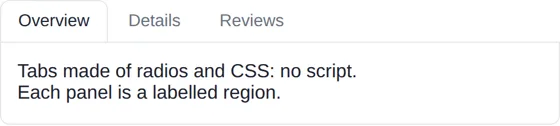 Tabs
Tabs tabscomposer require klehm/content-blocks klehm/content-blocks-kit
php bin/console doctrine:migrations:diff && php bin/console doctrine:migrations:migrateThen attach a ContentArea to your entity, add ContentAreaType to a form, and call cb_render_content_area() in your template. The Quick start walks through the whole path in five minutes.
ContentArea  →  Section  →  Column  →  Block
 (container)    (layout)    (preset)   (type + JSON data)
ContentArea is a titleless, slug-less container. The host app brings its own entity (a Page, a Product…) with a OneToOne to a ContentArea. That single design choice is why ContentBlocks drops into an existing app instead of asking you to migrate into a CMS.
| ✅ ContentBlocks does | ❌ ContentBlocks does not |
|---|---|
| Store structured content (sections / columns / blocks) as your data | Own your routing, URLs, or SEO |
| Render an in-context builder with live preview | Ship a CMS, admin panel, or user management |
| Provide an extensible block-type system | Force a CSS framework (Tailwind/Bootstrap) on you |
| Enforce your auth model via a thin interface | Know who your users are — you wire that |
| Draft / publish / discard content states | Replace your templating — you keep full control of markup |
A public demo runs the builder on a real page: blocks.clementmuller.fr. Edit, preview on every viewport, publish — no install needed.
Installing is a short, deterministic path — and it's documented for AI coding agents too. See AGENTS.md and the machine-readable llms.txt index.
ContentBlocks is built and maintained by Clément Muller, a freelance Symfony developer. I offer installation, integration and customization — custom blocks, theming to your design system, Sylius or legacy-app integration, content migration. Get in touch through clementmuller.fr.